




|
|
|
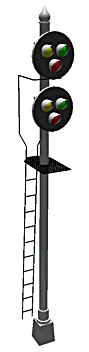
TrackPlanning.com NY Signal drawn
|
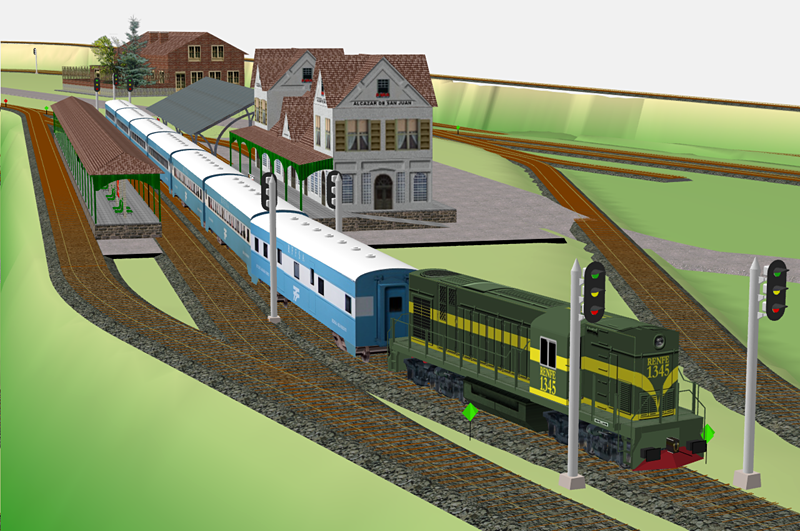
Version 10 offers you unparalleled design capabilities for your railroad
layout. The new SoftTrak™
feature lets you design professional-standard track using spline-like tools the
produce track complete with tangents, curves and easements if you choose. Built on a strong, innovative set of design tools, the new 3D terrain and
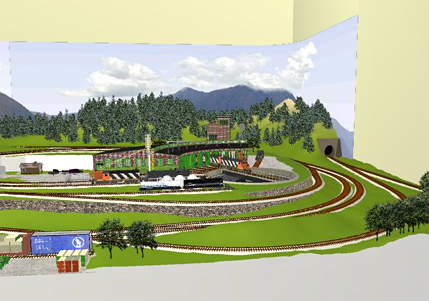
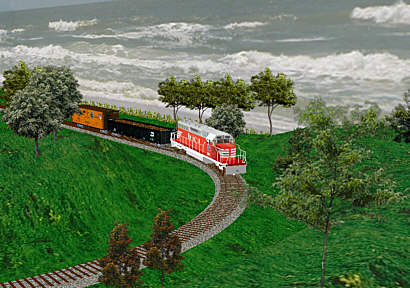
landscape features let you really visualize your layout like never before. Its
powerful Dynamic Design Tools™ let you quickly build
precise track of any design. And a comprehensive suite of 3D
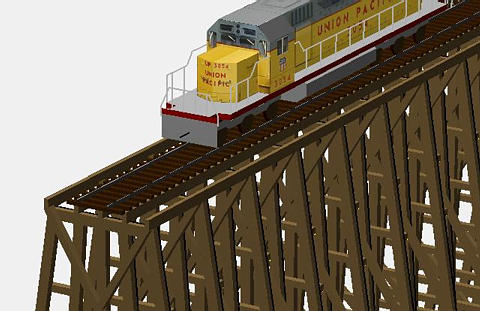
Object Design Tools let you craft buildings, rolling stock, equipment,
automobiles, cranes, boats and just about anything you can imagine.
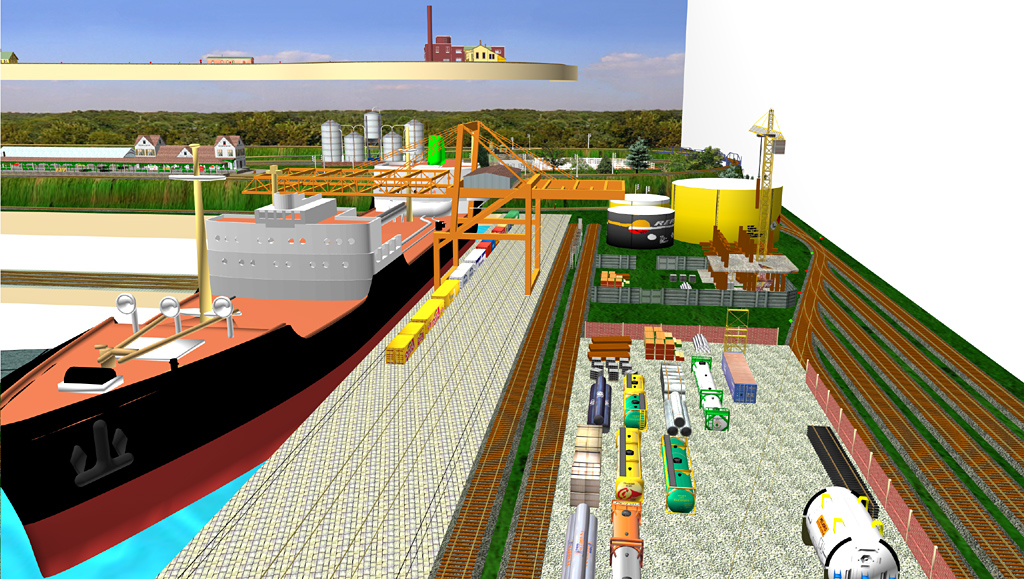
High-speed, textured, 3D rendering brings life to your track
plan. You can position your viewpoint at any location to evaluate your design.
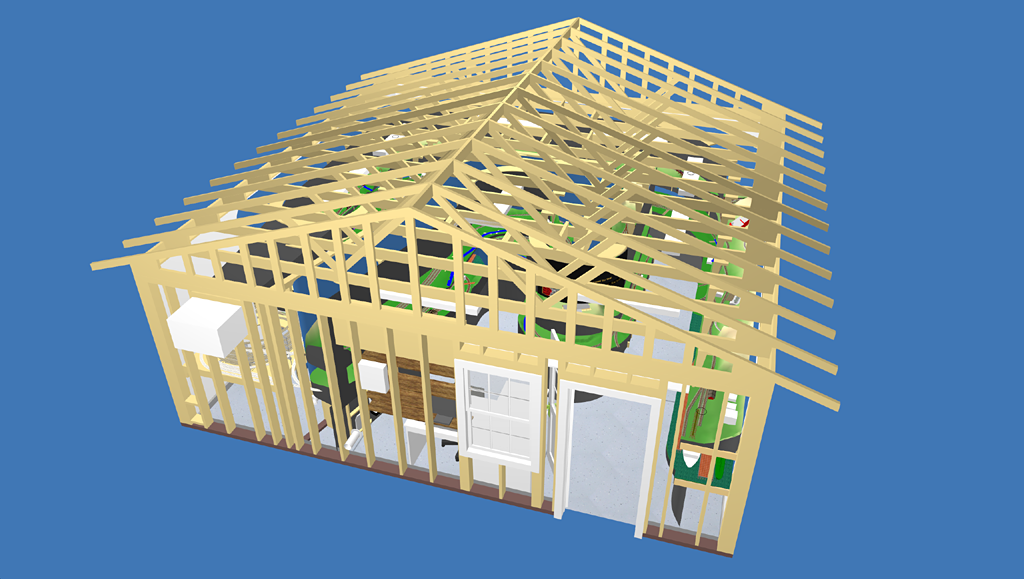
And when you're done, you can print 1:1 Cross-Sections so you can cut bulkheads
for the terrain you've designed. 3rd PlanIt is a complete package, from CAD
design, to simulation, to aids for building your design.
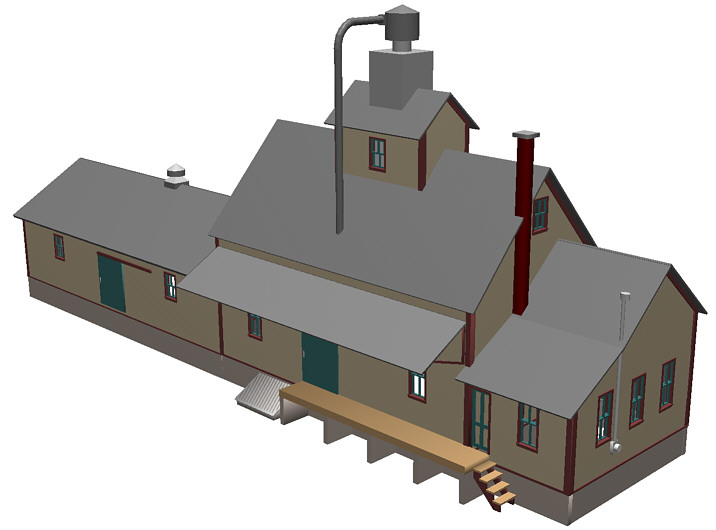
The Standard Library with Automatic Rescaling makes all objects available in all scales so you can easily place buildings and rolling stock in any scale drawing. This allows you to easily use buildings designed for another scale in your track plan as placeholders, or templates for scratchbuilding. Other recent additions allow you to rotate, tilt and roll objects around their centers. The new Multi-Sense User Interface offers every user a work environment they find preferable. If you're a user of AutoCAD* or another program with a "Click-Move-Click" interface, you'll be right at home on this new version of 3rd PlanIt. In its standard mode, you can free intermix "Press-Move-Release" control with "Click-Move-Click". Or, you can set the program to use only a single interface style, optimized for familiarity and convenience. Modelers who enjoy detail can explore the limits of their imagination with 3rd PlanIt. As shown in Sunrise Feed Mill, you can model any object to any level of detail that you find satisfying. Scratch builders can design each piece and fit a model together before cutting any wood or plastic. You can print 1:1 plans from which to fashion the pieces, or export an STL file to have a 3D printing service produce them for you. For tough custom designs, you can flex straight turnouts, such as those made by Central Valley, Pilz/Tillig and others. This lets you create gently curved turnouts to meet layout needs not filled by off-the-shelf curved turnouts.
To learn more about 3rd PlanIt, download the Version 11 manual in Adobe Acrobat format (PDF). If you don't have Acrobat Reader installed on your system, you can download it from Adobe.
|
| I want to thank you so very
much for all of your help. I know that I will
continue to be very pleased with 3rd Planit. I have tried a number
of other CAD programs designed for model railroading and yours is by
far the most intuitive that I have come across. The
features that you have written into the program are much more elaborate
and make the use of 3rd Planit much easier and more enjoyable.
That is why I have chosen your program and believe me, I will
definitely be recommending it to others. As you know through our phone conversation , I am dyslexic and learning certain things, especially new programs that are very technical are difficult for me. If I can say this after only a short while using 3rd Planit, a person without my challenges should be able to fly through the learning curve and be making beautiful layouts in no time. When I say beautiful, I really mean it. I have seen layouts that have been designed by others that have literally taken my breath away. My very best wishes to you, Steven Scott Lebanon, Oregon |
|
Works perfectly on my MacBook Pro. Great program.
Singing your praise with my club members. Thanks. Michael Collins |
|
Great product btw... have used it to plan and build at least seven layouts for my custom layout building service. HO scale, O scale, and even a football field sized G scale layout. The 3D feature is a real "seller" when clients are looking at my ideas.
|
|
Send mail to 3pi@TrackPlanning.com with
questions or comments about this web site.
|












 Demo
Demo